Localizations
This mod is a work in progress. It is written in English, and localization files for other languages are distributed separately by creators of those translations.
We are honored to have Chinese and Russian localizations available on Nexus Mods:

General info and installation
Since localization files are created and distributed as separate projects by different authors, they are packed into ZIP archives with the following structure:
ModnameLANG.zip
|___ Modname
     |___ Localization
          |___ enGB|deDE|esES|frFR|itIT|plPL|ptBR|ruRU|zhCN.json
For example, the Chinese localization of this mod looks like this:
GraciousFriendshipsCN.zip
|___ GraciousFriendships
     |___ Localization
          |___ zhCN.json
Installation 101
- First, download and install the mod itself
- Then, download a localization ZIP archive for your target language. For now, Chinese and Russian translations are available.
- Extract the JSON language file (named like zhCN.json or ruRU.json ) from the localization archive to the correct folder, and voilà—it's alive!
You can extract localizations for this mod either manually (just be careful with the target destination) or by using our installer.
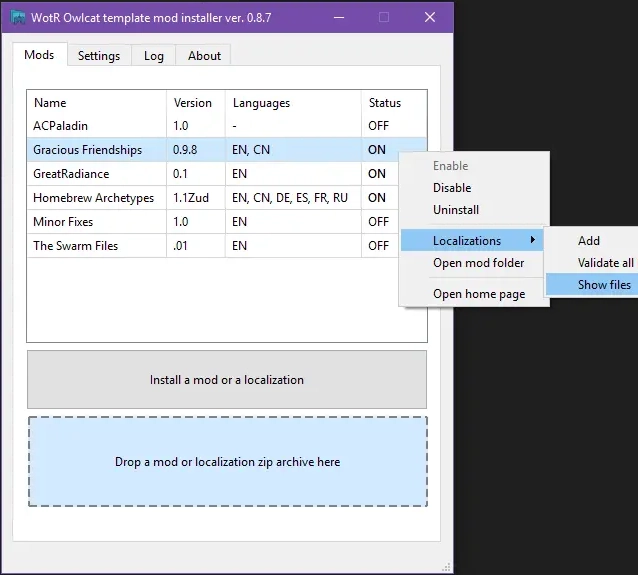
If you choose the installer, simply drag and drop a localization ZIP archive into the main window. The mod's language file will then be extracted to the correct location, and the list of mods list will display the available languages:
Managing localizations